Founder operations / 9 min read
The $100-a-Month AI Stack I’d Build Before Hiring My First Operator
Build a founder-first $100 AI stack with two model providers, repeatable workflows, and no overlapping subscriptions. See the exact allocation.
Before I hired my first operator, I would not spend $100 a month trying to recreate a tiny company with a dozen AI subscriptions. I would spend it to make one person noticeably more capable at the work that keeps a young business moving: turning calls into follow-ups, turning customer noise into decisions, turning a blank page into a useful draft, and keeping the same questions from being solved from scratch every week.
The distinction matters. A stack of subscriptions can look productive while quietly creating a new administrative job: separate logins, separate credit systems, separate folders, and no shared record of which tool produced the answer worth keeping. At an early stage, the goal is not to buy more AI. It is to buy less repetition.
This is the stack I would use: two model providers, one shared place to work, and a hard monthly ceiling on usage. The $100 is an operating budget, not a magic number. Some founders will spend less; a team processing long transcripts or codebases may spend more. What matters is that you can see the spend, decide where it goes, and change course before it becomes another unexplained SaaS line item.
Quick answer
What should you do?
For most pre-operator founders, start with two provider accounts and one shared workspace: allocate $55 to the daily model, $30 to a second opinion, and $15 to experiments.
Start with the jobs, not the model names
The usual AI-stack shopping list starts with brands: a chatbot, a research tool, a meeting tool, a writing tool, a social tool, a coding tool. That is backwards. Tools come and go; the work has to get done regardless. Start by writing down the five recurring jobs that keep landing on the founder’s desk.
For most pre-operator businesses, those jobs are remarkably unglamorous: summarize a customer conversation, draft the reply and next steps, turn several calls into a pattern, turn that pattern into a product or marketing decision, and turn the decision into a brief someone else can act on. If your stack does those things reliably, it is useful. If it mostly generates isolated cleverness, it is entertainment.
This framing also makes it easier to say no. Do not buy a specialized tool because it demos one impressive workflow. Buy it only when it removes a repeated step that your two-provider setup genuinely cannot handle, and when you can name the person who will own that workflow later.
- Customer signalTurn calls, support threads, reviews, and sales notes into themes, quotes, objections, and a short list of actions.
- Founder communicationDraft follow-ups, proposals, updates, launch copy, and internal briefs, then edit them with real judgment.
- Decision supportPressure-test a plan, compare options, identify missing assumptions, and turn a messy decision into a clear next move.
- Reusable handoffsSave the prompt, source material, and final output so the next person does not need to reconstruct your reasoning.
The actual $100 allocation: pay for usage, not a drawer full of seats
I would begin with two providers and fund them deliberately: $55 with the provider that is strongest for your daily general work, $30 with a second provider that gives you a real alternative, and $15 held back for experiments or unexpected heavier work. The point is not that $55/$30/$15 is sacred. The point is that every dollar has a job before the month starts.
Two providers are enough at this stage. The primary model handles most drafting, analysis, and everyday thinking. The second model is there for the work where the first answer feels thin, for an independent read on an important decision, and for keeping you honest about whether your default is actually the best choice. A small experimentation reserve lets you test a new model without turning experimentation into a subscription commitment.
Use prepaid credits or provider-level budget alerts where they are available. Check the balance once a week, not only when a card statement arrives. If the primary bucket is disappearing early, do not automatically refill it. First look at the work: are you feeding a premium model routine summaries, sending huge files repeatedly, or asking the same question in slightly different words because the workflow is not captured?
- $55: daily driverA reliable model provider for most writing, synthesis, planning, and analysis. This earns the largest share because it carries real daily work.
- $30: second opinionA genuinely different provider, not a second account for the same habit. Use it for comparison, hard problems, and checks on important outputs.
- $15: learning fundA capped reserve for testing a new model or covering a spike. When it is gone, experiments wait until next month.
Why I would choose provider keys over bundled credits
Subscriptions are not automatically bad. A bundled plan can be perfectly sensible when it solves a specific, heavily used problem. But early on, most founders do not need five different AI brands collecting monthly rent. They need to understand how much useful work AI is actually producing.
Provider keys make that visible. You see the underlying usage at the source, can set limits where the provider supports them, and keep the option to move work when a better or cheaper model appears. You are not trapped in a credit scheme that turns model choice into a black box.
There is a more subtle benefit too: provider-key billing changes your behavior. When you know a request has a measurable cost, you get better at giving the model a complete brief, attaching only the relevant context, and saving a prompt that worked. That is not penny-pinching. It is operational discipline.
Put the models behind one front door
Two provider accounts should not create two separate work habits. The moment useful prompts, files, and outputs live in private vendor chats, the stack starts losing its value. You will repeat context, lose the version that actually worked, and eventually hand an operator a mess of browser tabs instead of a system.
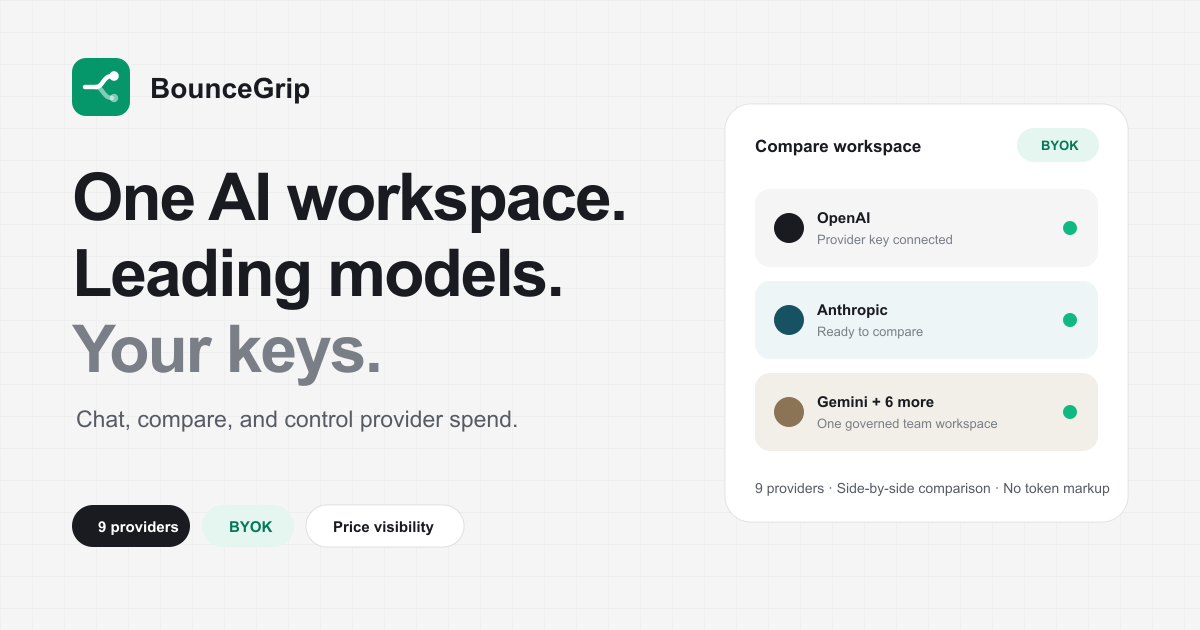
Use one shared workspace as the front door. In BounceGrip, the workspace owner connects provider keys once; keys are encrypted at rest and used server-side. You can enable only the models you want available, while teammates use them without seeing credentials. Prompts, project files, saved outputs, and usage stay with the work rather than disappearing into personal accounts.
That setup is especially valuable before the first operator arrives. You are not trying to make the business look automated. You are creating a small library of decisions and workflows that can be handed over. The eventual hire inherits a working system, not a founder’s memory.
Make comparison a habit, not an emergency move
A second provider is wasted if you only open it after the first model disappoints. Compare on purpose. Pick three prompts you run often, perhaps a customer-call synthesis, a sales follow-up, and a product brief, and run each across both models at the beginning of the month. Judge the answers against a simple standard: factual accuracy, useful structure, tone, and how much editing you had to do.
Then assign a default for that type of work. This is where a small AI budget starts behaving like a system. The goal is not to declare one model universally best. The goal is to learn that Model A is good enough for routine call summaries, while Model B earns its higher cost for a sensitive proposal or complicated strategic synthesis.
In BounceGrip, you can compare up to four model outputs on the same prompt and context. For a founder, that is a far better use of experimentation than constantly switching between paid chat tabs and trying to remember why one answer felt better last Tuesday.
Four workflows I would build before hiring
The test of this stack is whether it leaves behind work another human can pick up. I would build these four workflows first, using real material from the business and saving the versions that earn their keep.
- Call-to-action memoDrop in a call transcript or notes. Ask for customer quotes, themes, risks, decisions, owners, and exact follow-ups. Review it before it reaches anyone else.
- Weekly signal reviewFeed in the week’s support, sales, and product notes. Produce a one-page view of repeated objections, evidence, opportunities, and what changed from last week.
- Decision briefFor a choice such as a feature, pricing test, or positioning change, ask for the decision, evidence, assumptions, downsides, and the smallest next experiment.
- First-draft handoffTurn a decision into a clear brief, email, ticket, or launch outline. Keep the original inputs beside the final draft so an operator can verify the logic.
The guardrails are what keep $100 from becoming $400
AI costs rarely explode because someone used one expensive prompt. They grow because an unexamined workflow becomes normal. A long transcript gets sent to the strongest model every time. A team starts generating five drafts when one edited draft would do. Everyone gets their own paid plan because there is no shared place to work.
Set a few rules while the team is still small. Use the cheaper capable model for recurring, low-risk work. Move to the stronger model when the output affects a customer, an important decision, or a difficult piece of reasoning. Do not put sensitive information into a tool until you understand its data controls. And review a sample of outputs; cost control without quality control is just another way to make bad work faster.
Finally, treat the $100 cap as a feedback loop, not a punishment. If you keep reaching it and the work is creating more value than it costs, increase it deliberately. If you cannot explain what created the spend, do not add budget yet. Fix the workflow first.
What I would not buy yet
I would resist the urge to subscribe to separate AI tools for every department before there is a department. That includes a dedicated AI meeting assistant, a separate AI writing suite, a prospecting copilot, a research subscription, and a dozen single-purpose generators. Each may be good. Together, they make it harder to see what is working and harder to train the person you eventually hire.
There are exceptions. Keep a specialist tool when it has proprietary data or a workflow you cannot reproduce with your providers, when it replaces a painful manual task often enough to justify itself, and when someone can name the measurable outcome it improves. The burden of proof should be high. At this stage, the default is consolidation.
The operating principle: own the access, preserve the work
The best early AI stack is not the one with the longest logo wall. It is the one that helps you make better decisions, leaves a clean trail behind those decisions, and lets the next person continue without inheriting a pile of subscriptions.
Bring your own provider keys. Keep two real model options. Give every dollar a role. Save the prompts and outputs that reduce repeat work. Then consolidate it in a workspace where the people doing the work can use approved models without becoming credential managers.
That is how $100 a month becomes leverage instead of software clutter, and how you build an AI operating layer worth handing to your first operator.
How we prepared this guide
BounceGrip builds a BYOK AI workspace, so our perspective is explicitly for teams that value model choice, direct provider billing, and shared workflow context. We make that point of view visible rather than presenting it as a universal answer.
- Experience: the guidance is shaped by the product problems this workspace is built to solve.
- Verification: time-sensitive claims are linked to the relevant first-party source below.
- Scope: this is a decision guide, not legal, security, or financial advice; validate fit against your own requirements.
Last reviewed .
Sources and verification
Product and pricing details can change. We link to first-party documentation where available and reviewed these sources when this article was last updated.