Research
Read long documents and pull out what matters, with your sources attached.
The BYOK AI workspace for teams
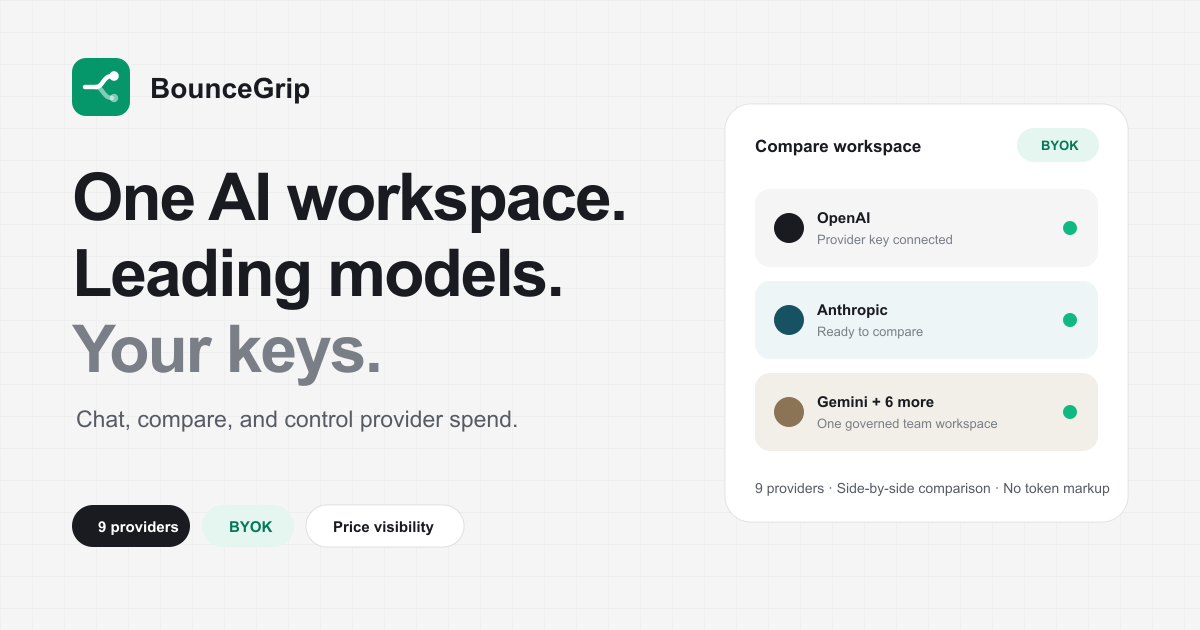
Connect 11 AI providers with your own API keys. Chat, compare, and build agents together.
Bring keys from 11 providers
 OpenAI
 Anthropic
'%3e%3c/path%3e%3cpath%20d='M20.616%2010.835a14.147%2014.147%200%2001-4.45-3.001%2014.111%2014.111%200%2001-3.678-6.452.503.503%200%2000-.975%200%2014.134%2014.134%200%2001-3.679%206.452%2014.155%2014.155%200%2001-4.45%203.001c-.65.28-1.318.505-2.002.678a.502.502%200%20000%20.975c.684.172%201.35.397%202.002.677a14.147%2014.147%200%20014.45%203.001%2014.112%2014.112%200%20013.679%206.453.502.502%200%2000.975%200c.172-.685.397-1.351.677-2.003a14.145%2014.145%200%20013.001-4.45%2014.113%2014.113%200%20016.453-3.678.503.503%200%20000-.975%2013.245%2013.245%200%2001-2.003-.678z'%20fill='url(%23lobe-icons-gemini-1-_R_0_)'%3e%3c/path%3e%3cpath%20d='M20.616%2010.835a14.147%2014.147%200%2001-4.45-3.001%2014.111%2014.111%200%2001-3.678-6.452.503.503%200%2000-.975%200%2014.134%2014.134%200%2001-3.679%206.452%2014.155%2014.155%200%2001-4.45%203.001c-.65.28-1.318.505-2.002.678a.502.502%200%20000%20.975c.684.172%201.35.397%202.002.677a14.147%2014.147%200%20014.45%203.001%2014.112%2014.112%200%20013.679%206.453.502.502%200%2000.975%200c.172-.685.397-1.351.677-2.003a14.145%2014.145%200%20013.001-4.45%2014.113%2014.113%200%20016.453-3.678.503.503%200%20000-.975%2013.245%2013.245%200%2001-2.003-.678z'%20fill='url(%23lobe-icons-gemini-2-_R_0_)'%3e%3c/path%3e%3cdefs%3e%3clinearGradient%20gradientUnits='userSpaceOnUse'%20id='lobe-icons-gemini-0-_R_0_'%20x1='7'%20x2='11'%20y1='15.5'%20y2='12'%3e%3cstop%20stop-color='%2308B962'%3e%3c/stop%3e%3cstop%20offset='1'%20stop-color='%2308B962'%20stop-opacity='0'%3e%3c/stop%3e%3c/linearGradient%3e%3clinearGradient%20gradientUnits='userSpaceOnUse'%20id='lobe-icons-gemini-1-_R_0_'%20x1='8'%20x2='11.5'%20y1='5.5'%20y2='11'%3e%3cstop%20stop-color='%23F94543'%3e%3c/stop%3e%3cstop%20offset='1'%20stop-color='%23F94543'%20stop-opacity='0'%3e%3c/stop%3e%3c/linearGradient%3e%3clinearGradient%20gradientUnits='userSpaceOnUse'%20id='lobe-icons-gemini-2-_R_0_'%20x1='3.5'%20x2='17.5'%20y1='13.5'%20y2='12'%3e%3cstop%20stop-color='%23FABC12'%3e%3c/stop%3e%3cstop%20offset='.46'%20stop-color='%23FABC12'%20stop-opacity='0'%3e%3c/stop%3e%3c/linearGradient%3e%3c/defs%3e%3c/svg%3e) Google Gemini
Google Gemini OpenRouter
 DeepSeek
'%20fill-rule='nonzero'%3e%3c/path%3e%3cdefs%3e%3clinearGradient%20id='lobe-icons-qwen-_R_0_'%20x1='0%25'%20x2='100%25'%20y1='0%25'%20y2='0%25'%3e%3cstop%20offset='0%25'%20stop-color='%236336E7'%20stop-opacity='.84'%3e%3c/stop%3e%3cstop%20offset='100%25'%20stop-color='%236F69F7'%20stop-opacity='.84'%3e%3c/stop%3e%3c/linearGradient%3e%3c/defs%3e%3c/svg%3e) Qwen
Qwen Kimi
Kimi'%20fill-rule='nonzero'%3e%3c/path%3e%3c/svg%3e) MiniMax
MiniMax GLM
GLM xAI
xAI Meta
MetaProduct
Switch models mid-chat without losing context. Your team shares one workspace, one set of keys.
Run one prompt across up to four models, read the answers side by side, keep the one that earned it.
Describe a role in plain English and the builder drafts the agent. Or install a ready-made role pack.
Keep your team on the prompts that already work. Fill the variables, send, move on.
Attach files to an agent or a project. Their text goes into every chat, so answers use your material.
Token use and estimated cost by model, provider, member, and project. Set a monthly budget and get warned.
Plugins run in any chat: web search, webpage reading, charts, plus your own custom tools.
Projects hold the shared context, so every chat starts knowing the account, the product, and the house style.
Read long documents and pull out what matters, with your sources attached.
Specs, briefs, and updates in your house style, from bullet points.
Saved outputs keep the drafts worth reusing next to their project.
Answer from your own policy files instead of guessing.
Turn a CSV into a short written read, with a chart when it helps.
Company background and call prep before the meeting starts.
Write the process down once, keep it where the team already works.
You are paying for four AI subscriptions and still switching tabs. Put the keys in one place and watch the spend.
Owners hold the keys. Members get the models, never the credentials.
No API console, no code. Pick a model from a list and start typing.
Comparison
| Feature | BounceGrip | ChatGPT Team | Claude Team | Gemini |
|---|---|---|---|---|
| 11 providers in one app | ✓ | |||
| Pay providers directly with your keys | ✓ | |||
| Four models side by side | ✓ | |||
| Custom agents with file knowledge | ✓ | Limited | Limited | Limited |
| Prompt library with variables | ✓ | |||
| Per-member cost analytics | ✓ | |||
| Private chats by default | ✓ | ✓ | ✓ | ✓ |
| Flat $15 per seat | ✓ |
Provider keys are encrypted at rest and used server-side only. The browser never sees them.
Calls go straight to the provider on your account, under the agreement you already signed with them.
Every chat starts private to you. Share it with the workspace when you decide it is worth sharing.
Owners decide which surfaces members see, from the model picker to the usage dashboard.
Set a workspace budget and see warn and over states before the invoice surprises you.
Invite and remove members, and let billing follow the seat count automatically.
Pricing
Tokens are billed by your providers at their prices, so choosing a cheaper model keeps the difference in your provider account instead of ours.
Teams
$15 per seat / month
Solo
Free
You connect your own provider API keys. Keys are encrypted at rest, used server-side only, never exposed to the browser, and isolated per workspace.
OpenAI, Anthropic, Google Gemini, OpenRouter, DeepSeek, Kimi, Qwen, MiniMax, GLM, xAI (Grok), and Meta (Muse Spark).
No. Your seats cover the workspace. Model usage is billed by your providers against your own keys, at their prices.
BounceGrip is $15 per seat per month. Model usage is separate and goes straight to your providers on your own keys.
Owners manage keys, enabled models, and members. Members use enabled models without seeing keys. Billing follows the seat count.
Yes. Run one prompt across up to 4 models and save the best response.
Text, Markdown, CSV, JSON, PDF, Word, Excel, and PowerPoint. Text is extracted into project context.
Agents are saved assistants with instructions, starter prompts, and optional knowledge files. Install a role pack (Founder Ops, Marketing, Support, Sales, Product, HR, Operations, Finance) in one click, or describe the job in plain English and the builder drafts the agent on your own key.
Abilities let any model act beyond text: search the web, read pages, and draw charts. They work the same on every connected provider, and each one has a try-it button so you can see what it does before enabling it.
Plan with evidence
Use these practical resources to compare LLM models, estimate API costs, and set a more deliberate team workflow before usage becomes a fixed habit.